Alex Kretzschmar

234 posts

technical

SSH Tips and why ProxyJump is awesome

What would we do without SSH? I must use it hundreds of times a day for all sorts of tasks. Connect and control any server anywhere in the world? Yes please! In this article I will outline a few tips and tricks I've accrued over the years to make SSH even better. SSH Keys Keys are an absolute fundamental for using SSH. They mean you don't need to use passwords to login to your remote systems and are much more secure. The gold standard for many years has been the rsa key type but more recentl

openshift

Configure Unbound DNS for Openshift 4

A little while ago I wrote a post over on openshift.com about installing Openshift 4 on VMware. Some of you reading it have asked me how I configured the DNS in my particular set up so this post aims to outline that for you. My current firewall software of choice is opnsense, a fork of the popular pfsense project. Both of these projects share a lot of DNA, including their usage of the DNS server unbound. Note this post was written to compliment the openshift.com blog post and was tested agains

pihole

Using Pihole with pfsense or opnsense

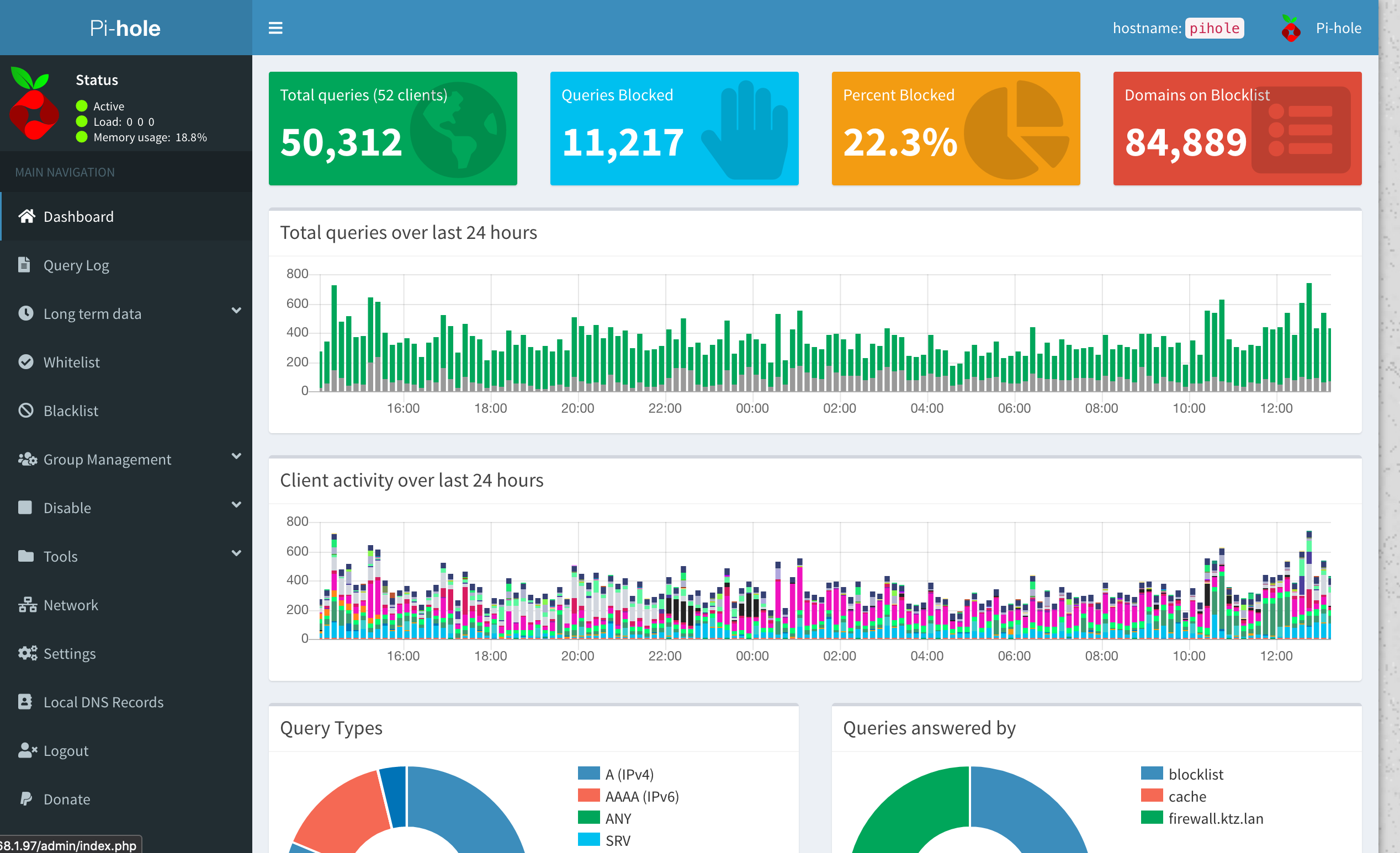
Pihole is a network wide ad blocker. Using DHCP we can tell every device on your network to automatically and transparently use Pihole for DNS. But what if you have custom DNS entries in your firewall? I use OPNsense but this process largely transposes to PFsense as well. When your laptop makes a DNS request, it is sent to Pihole. Pihole performs a lookup and if it can't find the requested address, forwards that request on to the next DNS server in the chain. If OPNsense has that DNS record in

terraform

Store Terraform secrets in YAML files with yamldecode

In May of 2019 Hashicorp released Terraform 0.12. This release completely changed the way in which variable interpolation was performed and whilst some backwards compatibility was kept, there were some breaking changes. Most notably, the way in which functions and interpolations were called with no more "${}" required. Here's the problem statement. I want to use Terraform to create VMs on Digitalocean using the token that doctl stores in ~/.config/doctl/config.yaml. Using that same logic it mad

unifi

How to adopt a Unifi AP with a remote controller

A fresh out of the box Unifi Access Point has no idea what to do with itself. It starts scanning the local LAN for any controllers to 'announce' that it is here and needs configuration. But what about when your controller isn't on the LAN? Mine is running on a DigitalOcean droplet, for example. We need to tell the AP where the controller resides in order for the announcement to be successful. It's actually a relatively straightforward thing to solve but requires a few steps which I'll outline b

home assistant

Home Assistant External Reverse Proxy Setup with nginx

I run nginx as my reverse proxy of choice from the folks over at linuxserver.io with automated Let's Encrypt functionality. It plugs neatly into the 20 or so containers I run on my primary server VM and the thought of migrating over the in-built Home Assistant plus reconfiguring all my configs made me go weak at the fingertips. My fully Ansiblised home infrastructure is open sourced at github.com/ironicbadger/infra including all my reverse proxy configs I was running into an issue for a while

year-in-review

2019: My Year in Review

I started putting a list of each years primary achievements on Facebook a couple of years ago and it's a nice tradition. 2019 has been one helluva year for me personally, here's a recap. * Prusa Mk3 arrived * Our first Hockey game at the Carolina Hurricanes * Built my first DIY smart LED strips * Bought a Table Saw * Bought a Pickup Truck (Clifford, the Big Red Truck) * Catherine acquired a new Yamaha Clavinova Piano * Huge tree felled in our front yard * Talk accepted for LinuxFest Nor

home assistant

Backing up Home Assistant

HASSIO is probably the easiest way to run Home Assistant. It's a pre-packaged appliance aimed at a few key devices such as Raspberry Pi and so on. Being an appliance has pros and cons. The primary con is that installing software and advanced system configuration is not possible, though this is conversely also the primary advantage! You spend time with Home Assistant not administrating the system. Bad things happen and backups are your last line of defense in the event of hardware failure, theft

home assistant

Getting a Xiaomi API Token for a Roborock S5 to link with Home Assistant

On Black Friday the Roborock S5 was discounted heavily enough that I bought one. I gave the Home Assistant Xiaomi Mi Robot Vacuum integration a look over before I did and browsed some reddit posts suggesting it was supported. Approximately 6 hours of frustration later, I finally got my API token. Here's how... Being no stranger to API keys, Personal Access Tokens and what have you I didn't really think that getting the token required for Home Assistant to connect with the Robot Vacuum could pos