technicalAfter 11 years, I dropped GhostAfter nearly eleven years of being continuously served via Ghost, this blog is now a static site built with Astro.
technicaldocker compose generator v2 releaseFor the last ~7 years I have been using an Ansible role to manage my docker compose files. It was time for a major overhaul.
dockerConfiguring Traefik on Synology DSM7 using docker macvlansRecent changes in DSM7 have made guaranteeing being able to free up ports 80/443 for use by traefik rather difficult. Using a combination of several advanced techniques with docker networking we can circumvent this requirement once and for all with the macvlan driver.
dockerMonolithic docker-compose files filtered with profilesThose of us who use docker-compose to manage our fleets of containers generally fall into two camps. Camp A prefers one monolithic docker-compose file per host using docker-compose <command> <service> to interact with each service. Camp B split up their configuration into multiple files with some kind of logical grouping which makes sense to them. This post will provide an overview of using profiles with docker-compose to address multiple services within a monolithic file. This aims to provide
dockerDeploying mkdocs using DroneCI and GiteaTodays post will discuss the steps required to deploy a fully self-hosted, automatically updating documentation stack using Gitea, mkdocs, nginx, traefik and Drone CI.
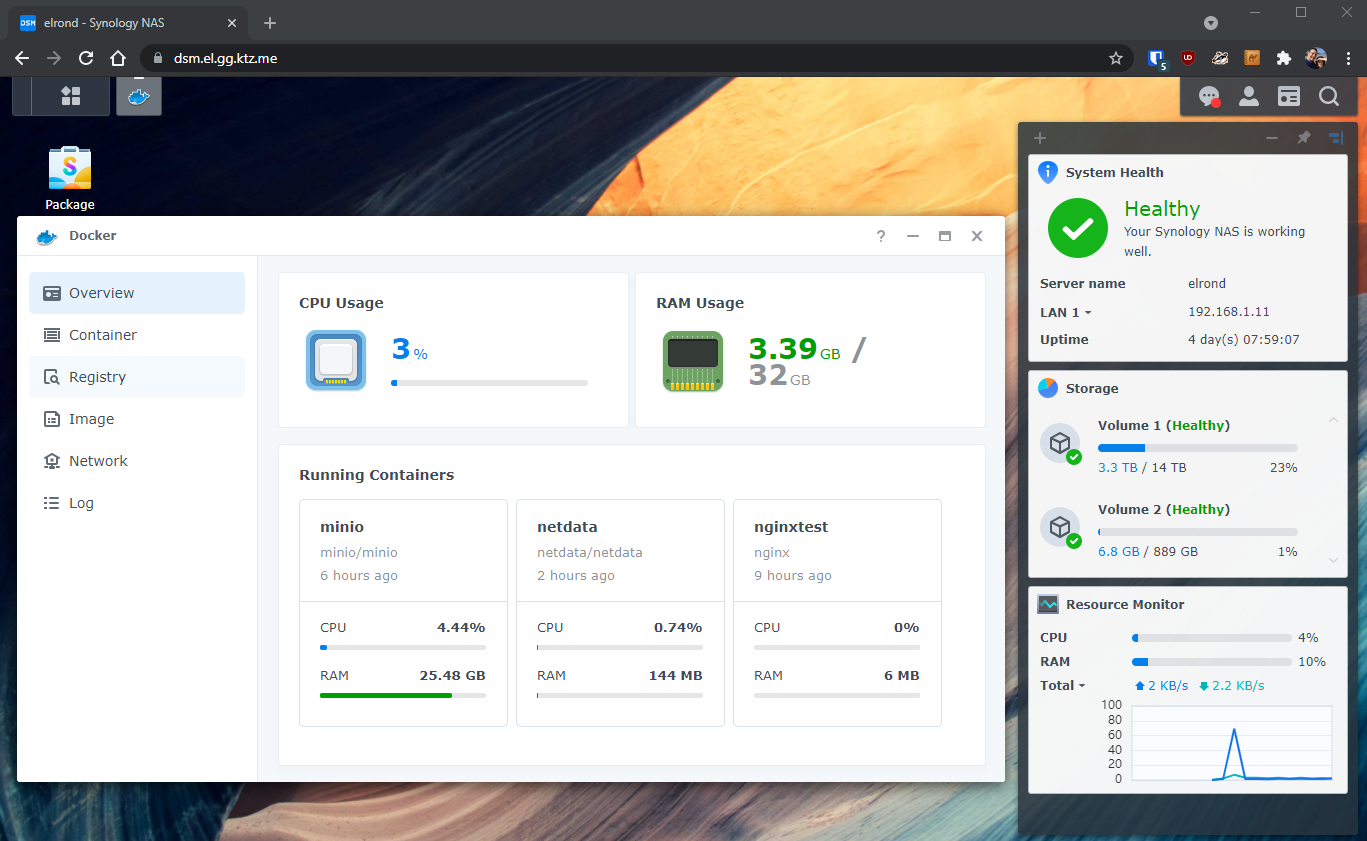
synologyAccess a Synology NAS with Traefik on DSM7With the recent update to DSM7 my Synology NAS has been transformed. It now runs a recent version of docker, I can use Ansible to manage docker-compose like I do with all my other systems and it now runs systemd! I use Traefik as my reverse proxy of choice, I understand it well and use it everywhere across about a dozen hosts - both at home and in the cloud. So it's logical to me to use Traefik to handle reverse proxying and TLS certification with the Synology box I have - the DS1621+. Pre-re
perfect-media-serverThe Perfect Media Server - 2020 EditionWe're back! A fresh new installment of Perfect Media Server ready for 2021 and we launch perfectmediaserver.com
traefikTraefik v2 and external services like Home Assistant and Blue IrisI recently made the switch from the nginx reverse proxy life to Traefik. I've written a couple of other posts recently about the process: * Running Unifi controller behind Traefik * Running InvoiceNinja behind Traefik Today's post is going to cover the final piece of the jigsaw I needed to solve before I could dump nginx, the file provider. In otherwords - how do I use Traefik to route traffic for services that aren't containers or published via another service discovery backend? In the case
technicalTraefik v2 and Unifi Controller in dockerDue to the fact that Unifi runs on port 8443 inside the container and expects TLS a couple of extra parameters were required. Here's the relevant docker-compose snippet.
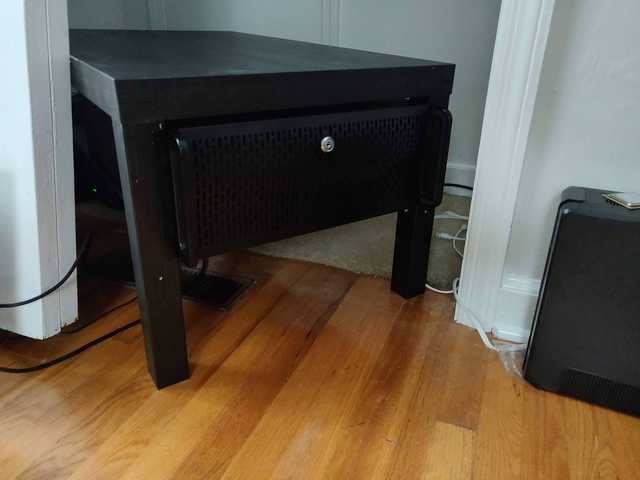
linuxNew server build logThat means I need a lot of threads and a lot of memory and a lot of storage.